
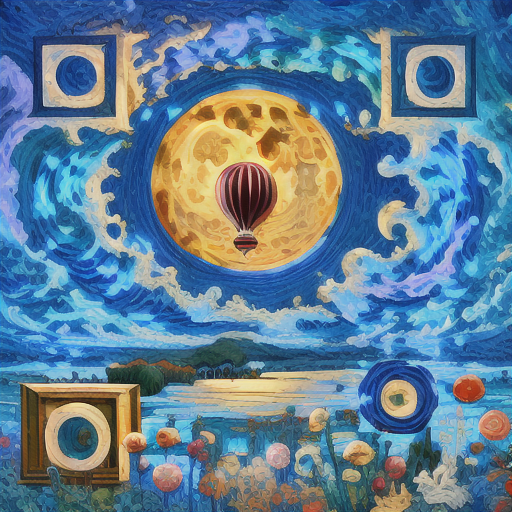
Introduction
For years, designers have tried to weave visual identities into QR codes, hoping to make them feel less like digital static and more like an integrated part of the overall composition. We have seen multiple ways to approach this over time, from simple logo overlays and halftone patterns to manipulating the underlying math of the codes, and most recently, relying on generative AI.
Yet, despite these creative efforts, it is still difficult to find a method that yields a scannable QR code while actually giving designers the flexibility to tune the style and scene to fit their original vision.
In this post, we will walk through the evolution of these design techniques and introduce a new approach: 72QR, which integrates an AI agent to help anyone make scannable art.
Can QR codes have visual identity?
QR codes have become an indispensable bridge from the physical to digital worlds. They offer a convenient way to share information exactly where it is needed, accessible the moment a mobile camera scans them.
The problem? Physical space is at a premium, and the standard black-and-white QR code is not visually appealing. Audiences have developed “QR blindness.” We ignore these blocky squares until we absolutely have to use them. Forcibly dropping a giant standard QR code into a carefully curated environment is like scrawling a massive phone number on a gallery wall. It disrupts the aesthetic and undermines the visual identity.
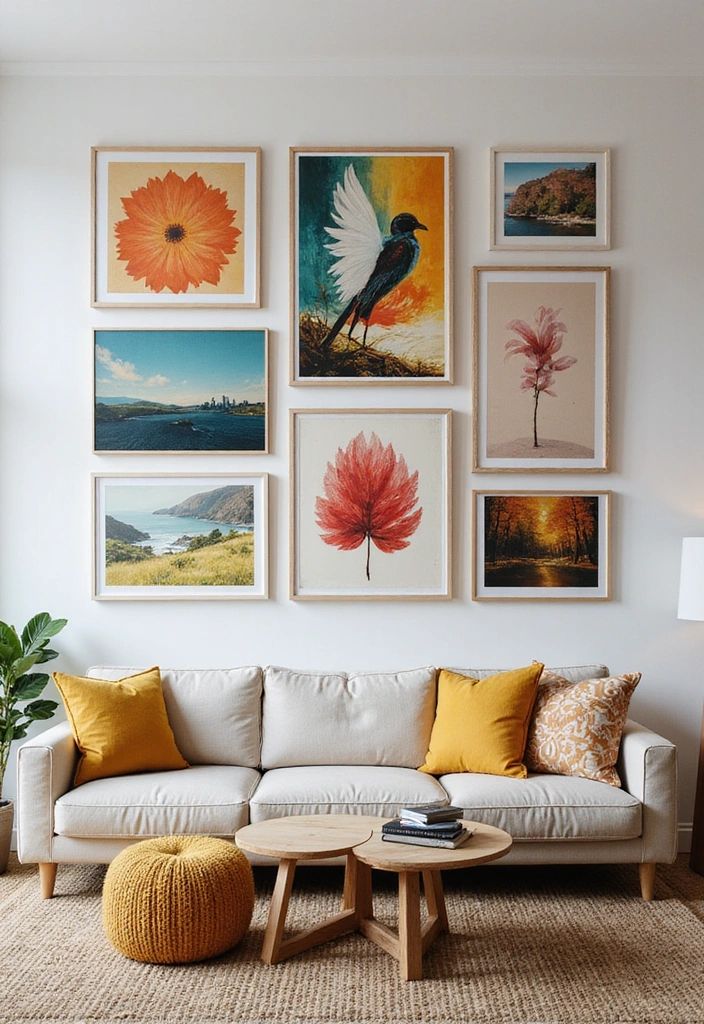
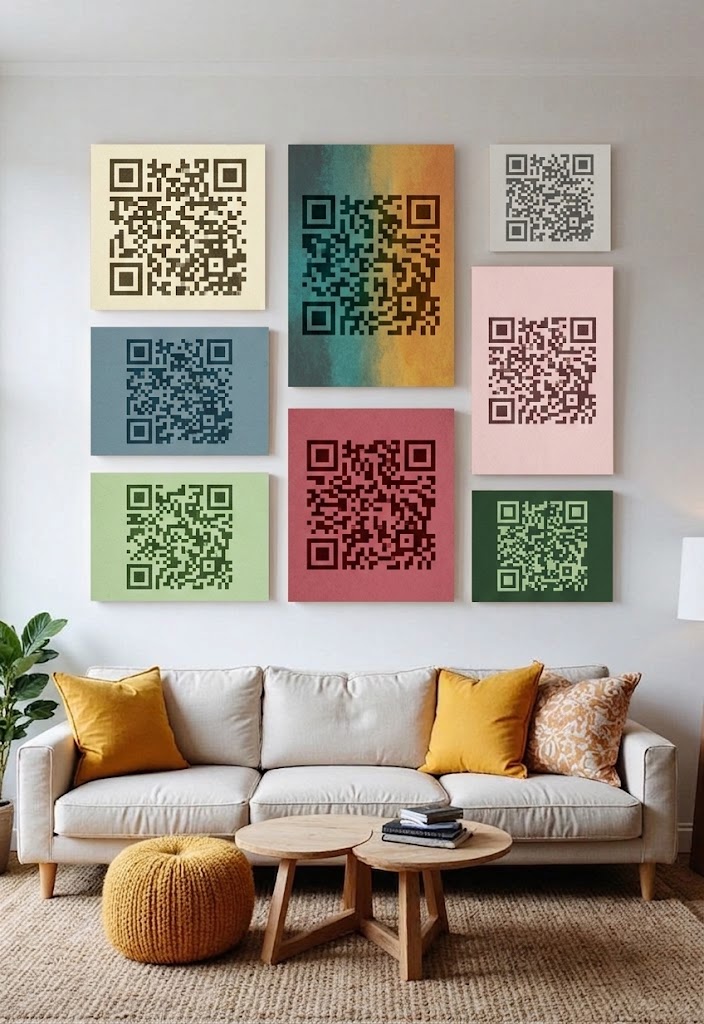
But what if we could design QR codes as pieces of art, transforming them from an eyesore into a decorative element?
The Evolution of Creative QR Codes
Over the years, the industry has developed a few primary techniques to integrate imagery into QR codes by taking advantage of how QR codes work. These techniques include overlaying, halftoning, module rearrangement, and more recently, using generative AI to create artistic QR codes.
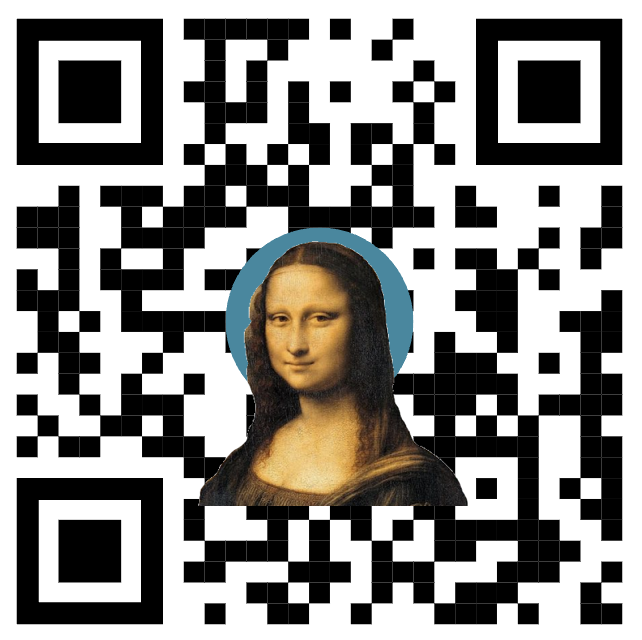
Overlay: It places a logo or image directly on top of a QR code. The code remains scannable thanks to its built-in error correction. However, there is a strict threshold to this. If the image is too large, the errors can no longer be corrected. Furthermore, the image must never obscure the structural anchor patterns of the QR code, or the scanner won’t be able to locate the code at all.
This is the most common approach so far, but it trades some of the error correction capability for a certain level of creative freedom and visual identity.
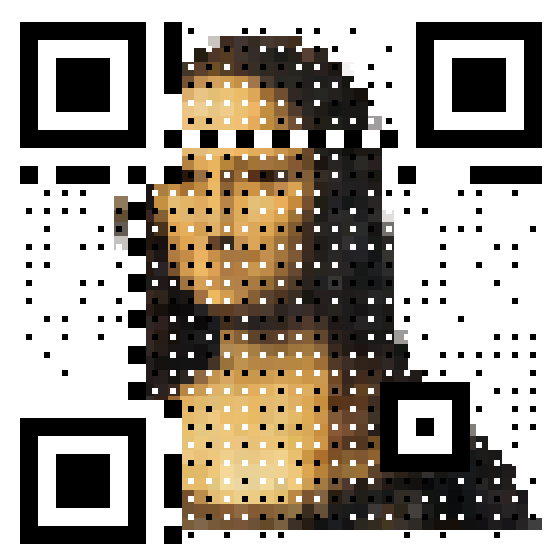
Halftone: It exploits the way scanners actually read the code. Scanners only check the exact center point of each module (a black/white block in a QR code) to determine if it is black or white, ignoring the rest of the pixels in a module. Halftone takes advantage of this by shrinking modules into smaller dots, leaving space to reveal a background image underneath the QR code.
Compared with the overlay technique, this approach allows for a bigger background image and more creative freedom. But as you can see from the example, the QR code’s grid structure is still plainly visible, and the black/white module dots can clash with the background image.
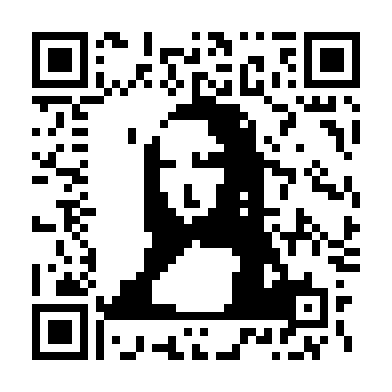
Module Rearrangement: QR codes rely on the math of Reed–Solomon (RS) codes to encode and decode with error correction capability. This technique takes advantage of the underlying math to generate a QR code whose visual skeleton resembles a reference image, while still encoding the same information and remaining scannable — without the module errors that the overlay technique introduces.
AI Generators
Generative AI is the latest frontier. These models are capable of producing incredibly natural, artistic QR codes, but they come with a steep learning curve. There is a post providing an overview of how to tune QR codes with open-source AI models.
These AI models offer a lot more creative freedom, but exercising that freedom requires some basic knowledge of how a model works, so you can steer the generation toward the desired style and scene.
As you can see in the typical AI QR generator UI below, the parameters are not always intuitive and can be overwhelming for new users, let alone the trial-and-error required to master prompting across different models.
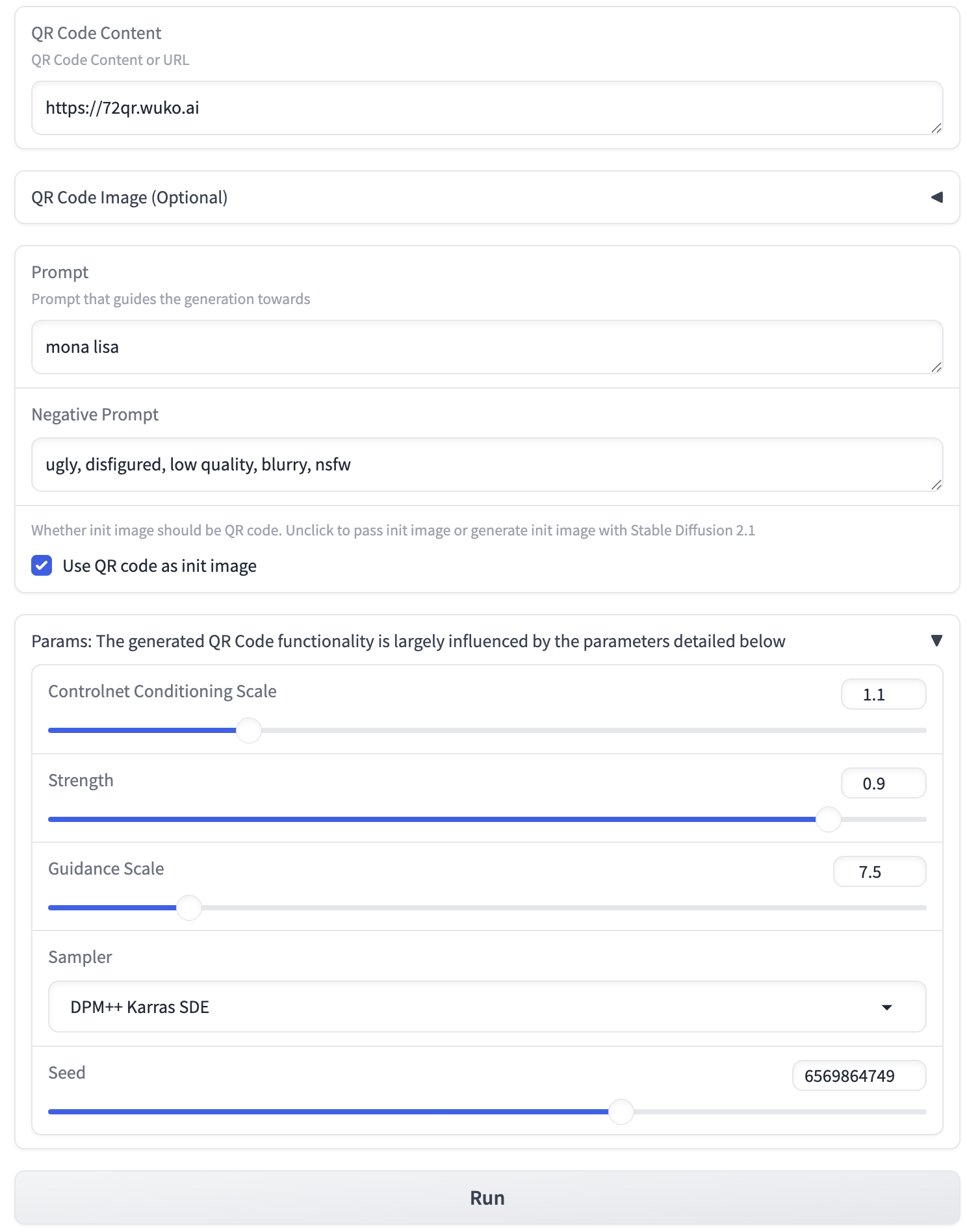
To steer the generation by tuning the parameters, you need to understand both how QR codes work and how the AI generators interpret your instructions. This requires deep knowledge of the underlying math of QR codes, as well as what the AI models are capable of. Otherwise, you will likely waste a lot of time tuning your QR code.
Some services provide user-friendly interfaces that hide away the parametric complexity when generating QR codes with AI models. But even with a simplified UI, it can still be challenging to meet both the scannability and creative freedom requirements.
Take the examples below. They are perfectly scannable, but the scene composition makes no logical sense. They feel uncanny and visually jarring.
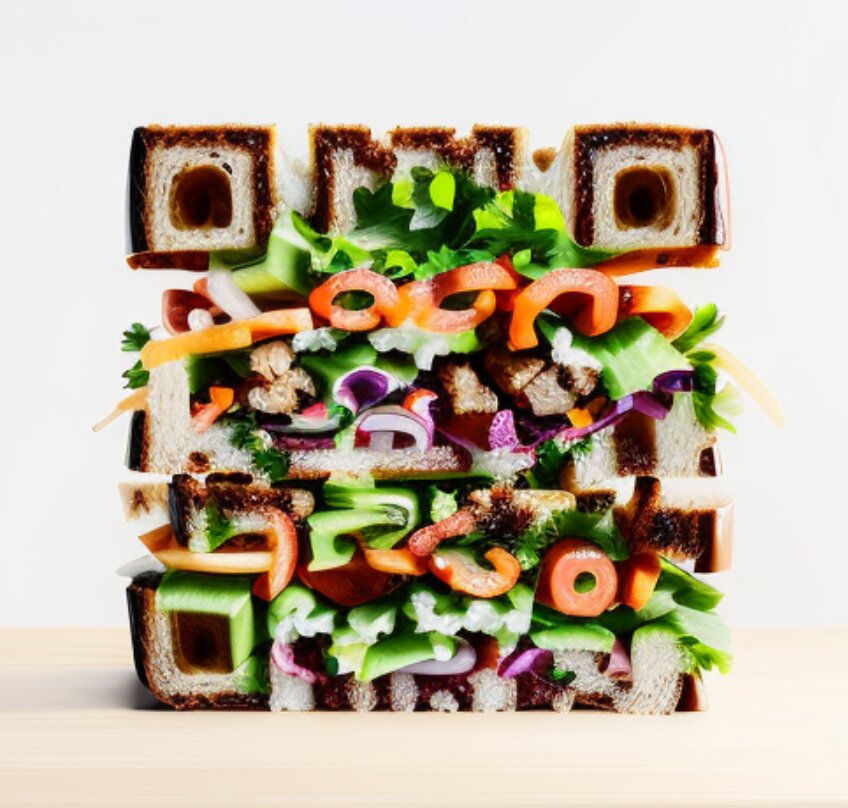
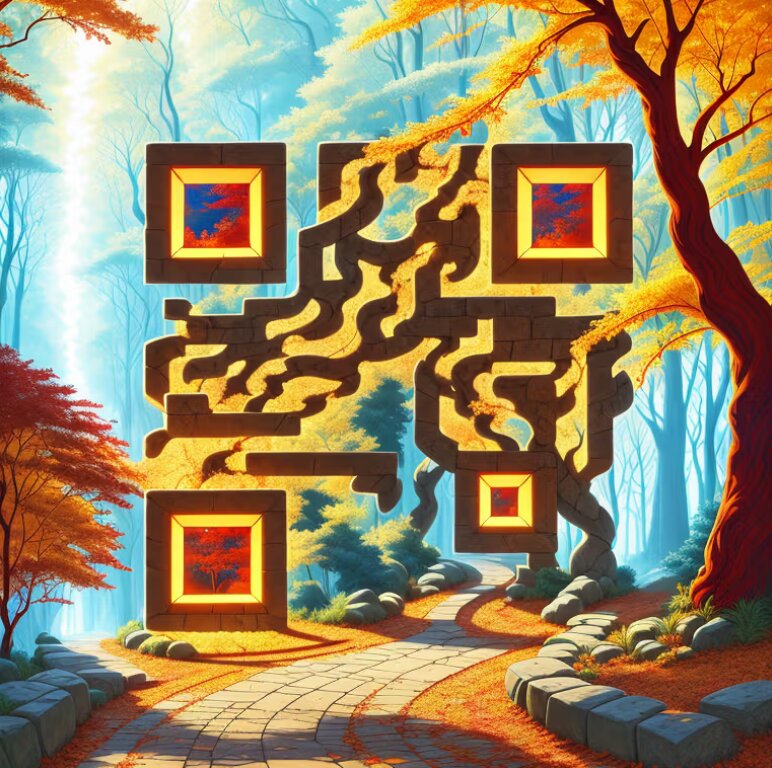
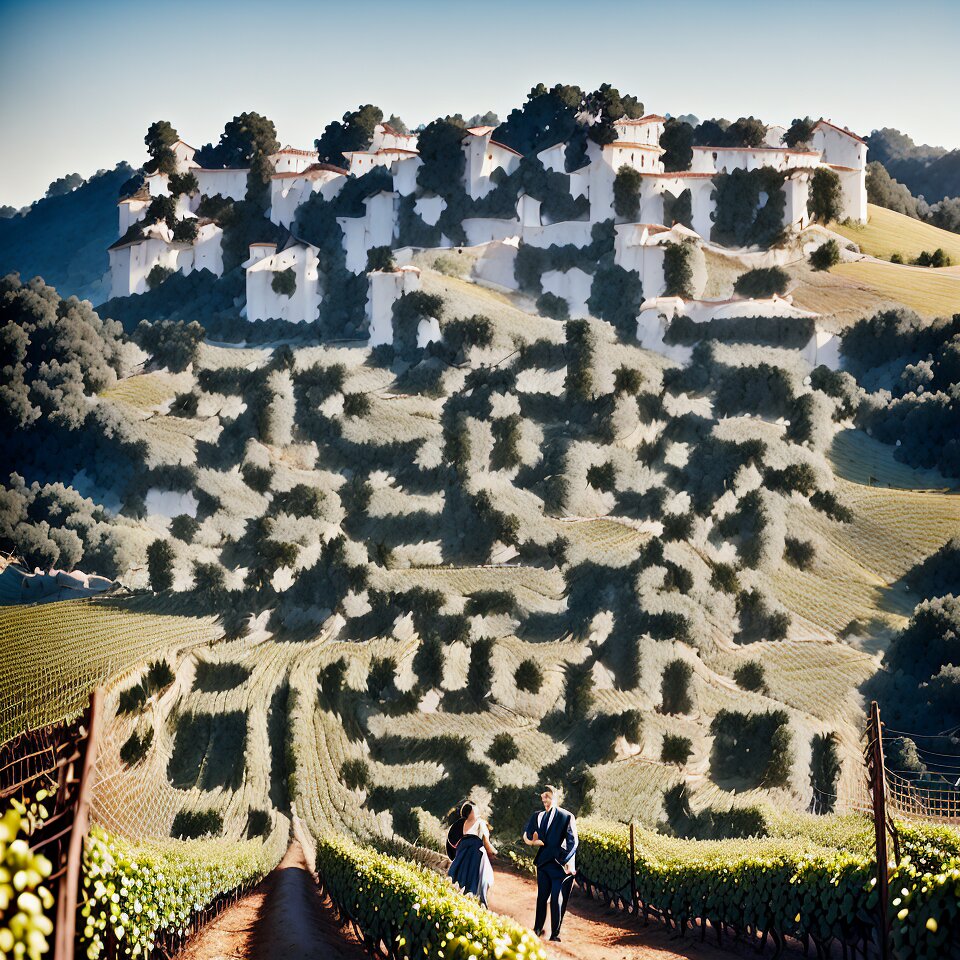
In terms of vision guidance, if you have ever used tools like Midjourney, you know how difficult it can be to engineer the exact prompt for the image you envision. When you add the strict geometric constraints of a working QR code into the mix, it can become even more challenging to realize your vision. Because of this immense friction, most platforms simply offer a set of fixed-style templates.
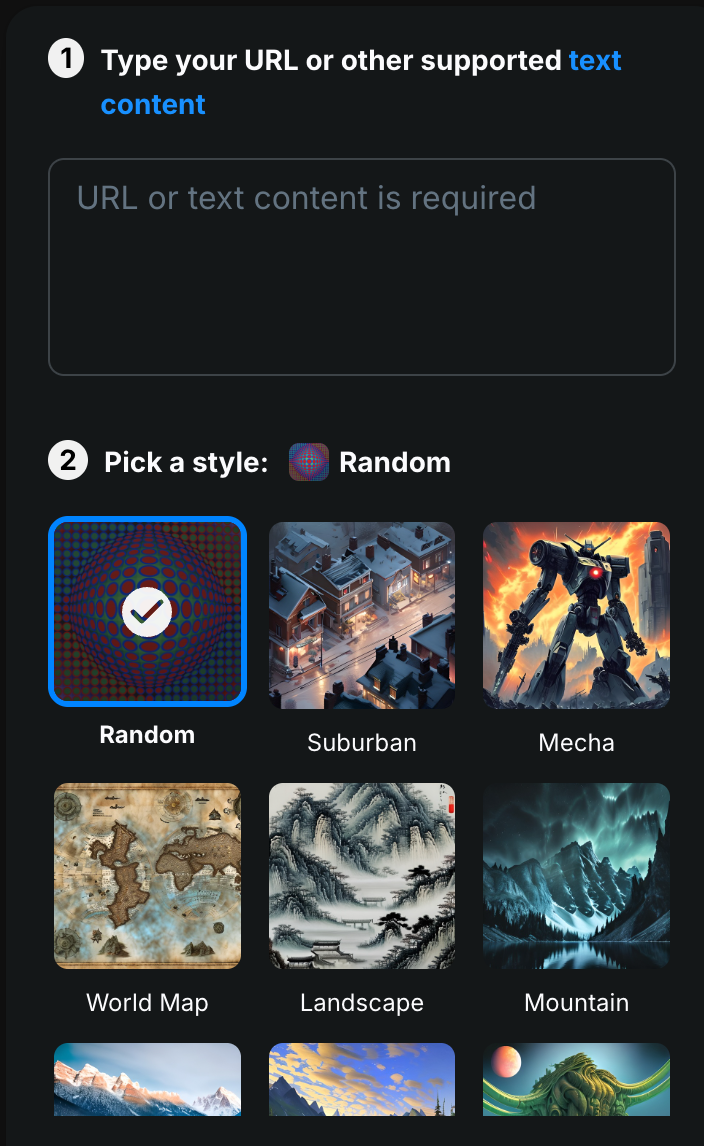
While templates offer a shortcut to aesthetic QR codes, they strip away the very thing creators want most: Creative Freedom.
Building the Tool I Wanted
It was exactly the struggle for creative freedom that drove me to look for a better way. The idea started with a simple experiment in which I wanted to design a T-shirt that looked artistic and was still scannable. After spending countless hours wrestling with those AI generators, I kept hitting the same wall. The results were either aesthetically pleasing but unscannable, or perfectly scannable but visually disjointed. There was no reliable way to achieve both.
I decided to dig into the fundamentals of how QR codes actually work and how they can be integrated with AI models to make scannable art. Eventually, I came up with a QR code design tool, the 72QR.
72QR is a conversation-based QR code design tool. Instead of wrestling with complex parameters or settling for rigid templates, anyone who knows how to use a chat app can now design a meaningful, scannable QR code simply by chatting with the agent on a web page. You can express your ideas in natural language, and the interactive agent will guide you through tuning the style and scene.
The Canvas in Action
Let’s look at how 72QR works in practice, taking a rough sketch and iteratively refining it into QR Art with the visual identity you envision.
The Starting Point: We begin with a simple sketch, which is the 72QR logo centered inside an enso circle decorated with a biosphere. The logo itself feels a bit disconnected from the environment at this stage, but it gives the agent a structural baseline.
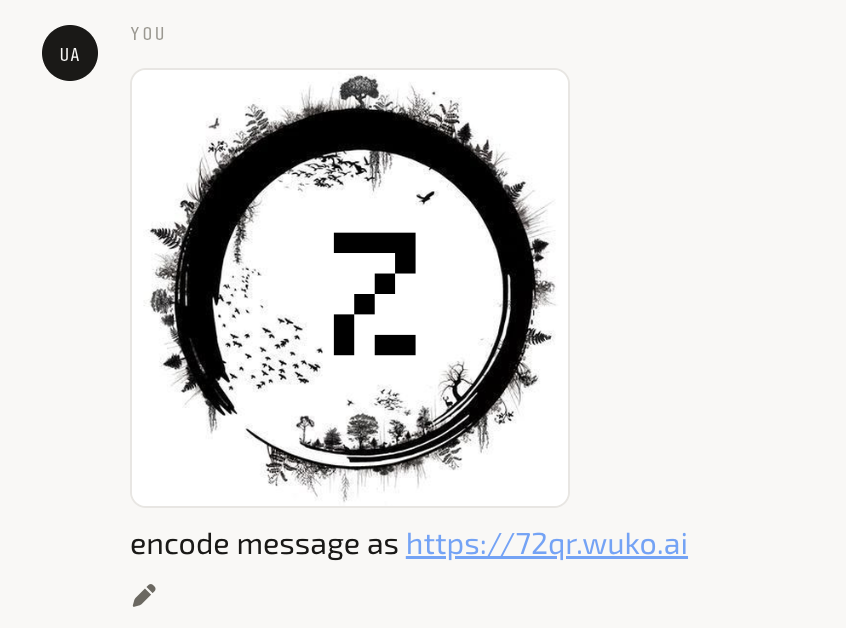
The First Pass: By sending this sketch and asking the agent to encode the URL https://72qr.wuko.ai, we immediately get a working, scannable QR code that aligns with the style and scene of the sketch.
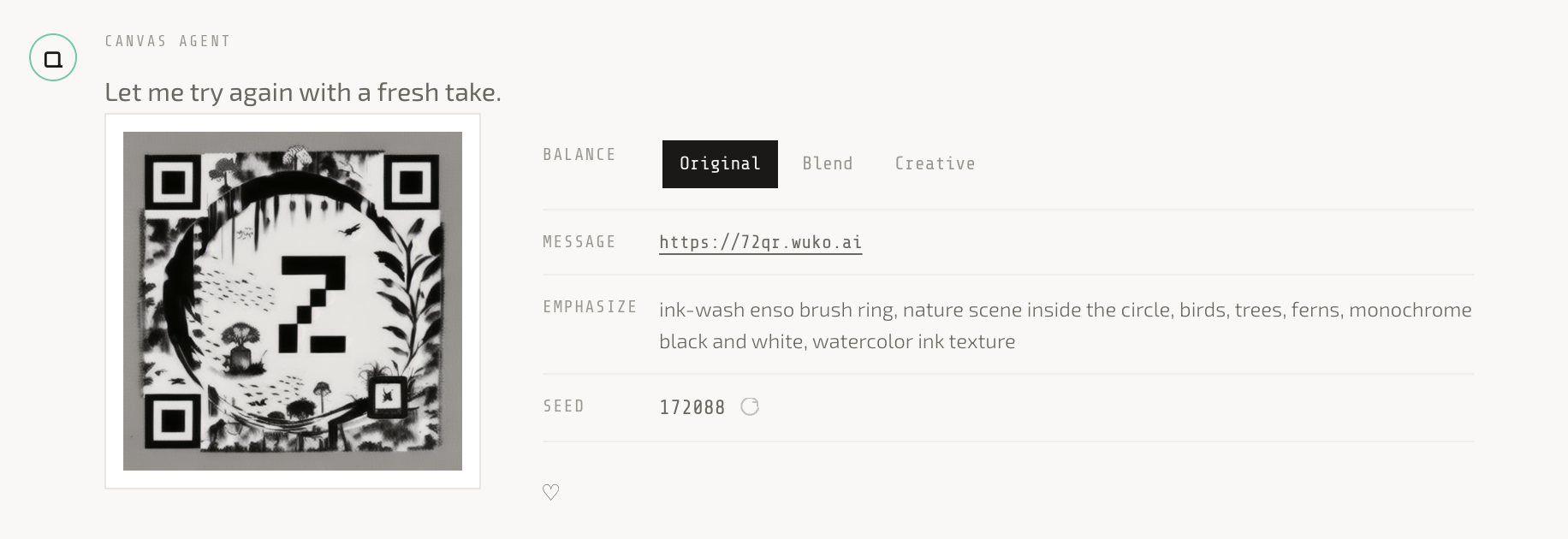
Note that on the right side of the QR, there is some meta info about the QR Art. Balance means the preference between guiding toward the original style or something more creative. By default, the agent configures the balance to Original.
The Emphasize field contains guidance keywords, which you can tune in later rounds to steer the generation, such as toward different styles and scenes as shown below.
When you ask for a specific style or scene, the agent will adjust both the balance and the emphasize keywords to guide the generation.
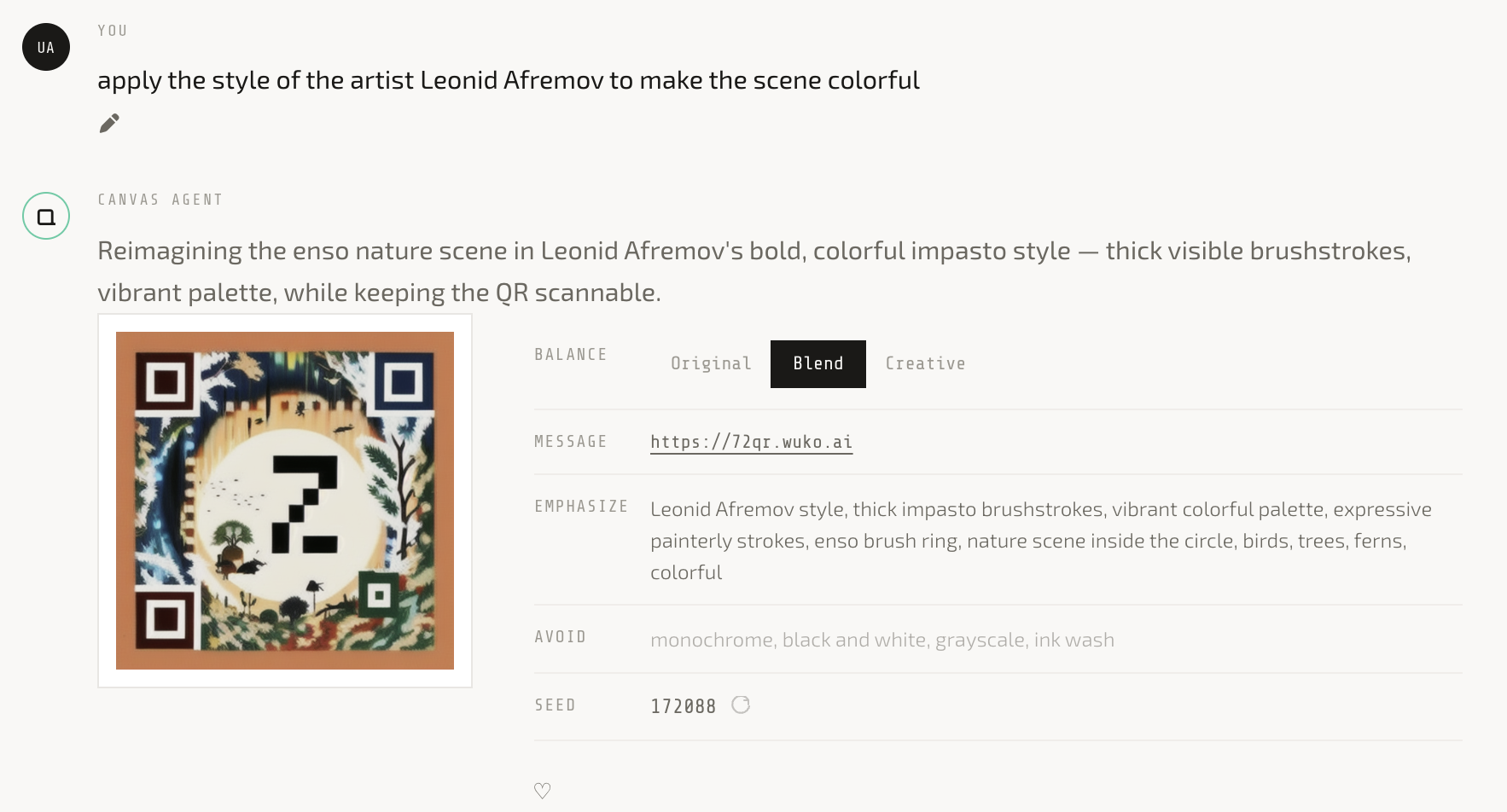
Tuning the Vibe: To make the scene more vibrant and cohesive, I simply asked the agent to shift the Balance to Creative and adjust the Emphasize keywords. This combination of tuning freed the AI from the constraints of the original sketch, giving it the latitude to transform the logo organically into objects cohesive with the scene, like a tree and a house, blending perfectly into the environment.
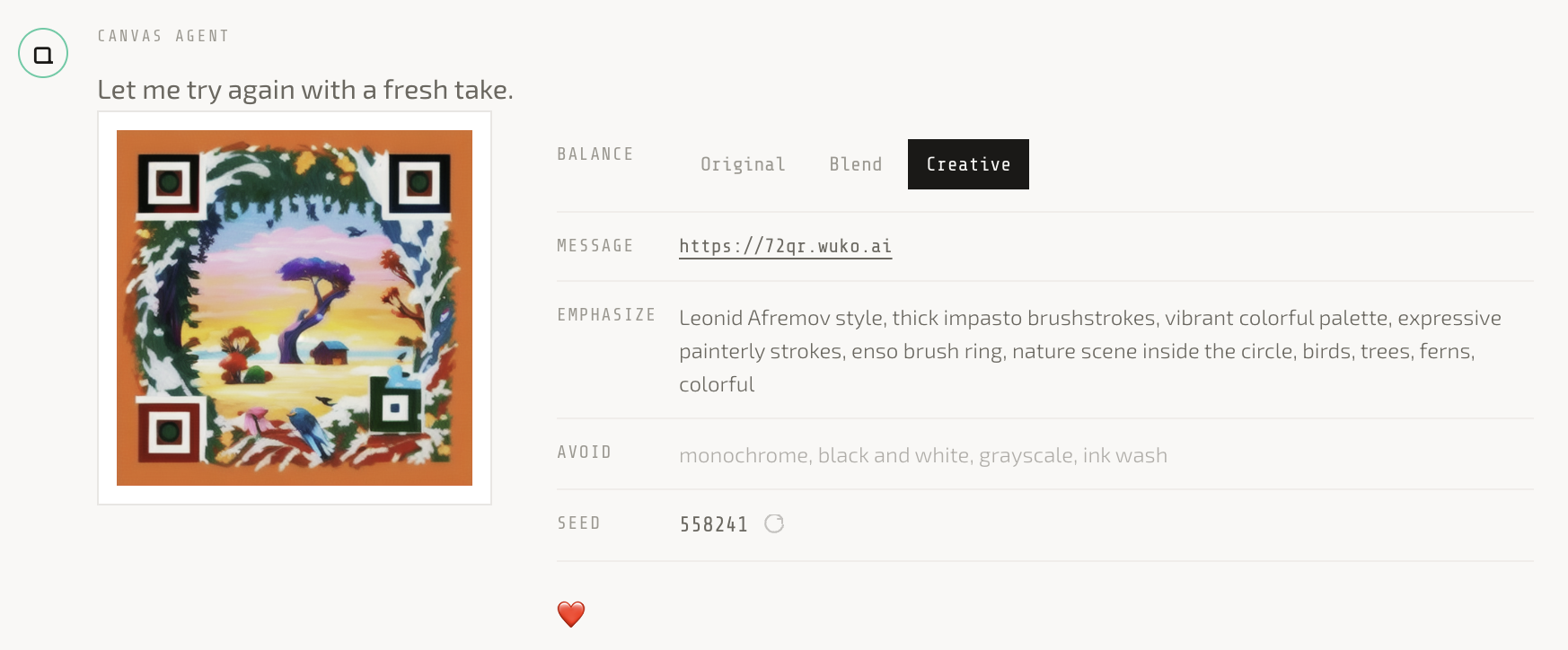
Exploring Variations: If you like the combination of the style and scene but want to try different compositions, you can retry with a different Seed, which acts as a creative dice roll. Refreshing the seed generates a brand-new composition while following the same vibe guidance.
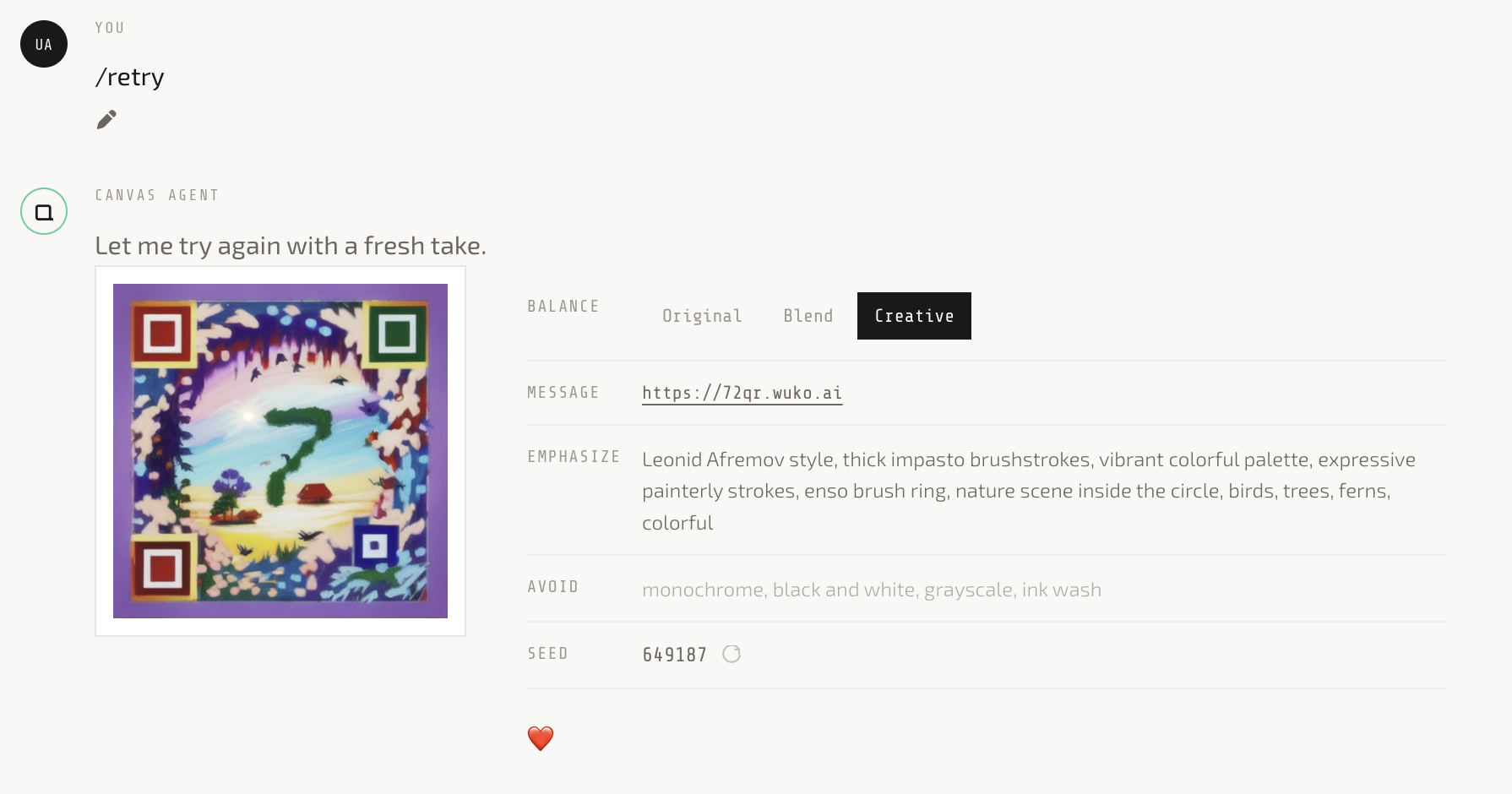
This is the result with the same meta info but a different seed. It looks as good as the previous one, but the composition is different while the vibe stays pretty consistent.
Making Artwork Scannable
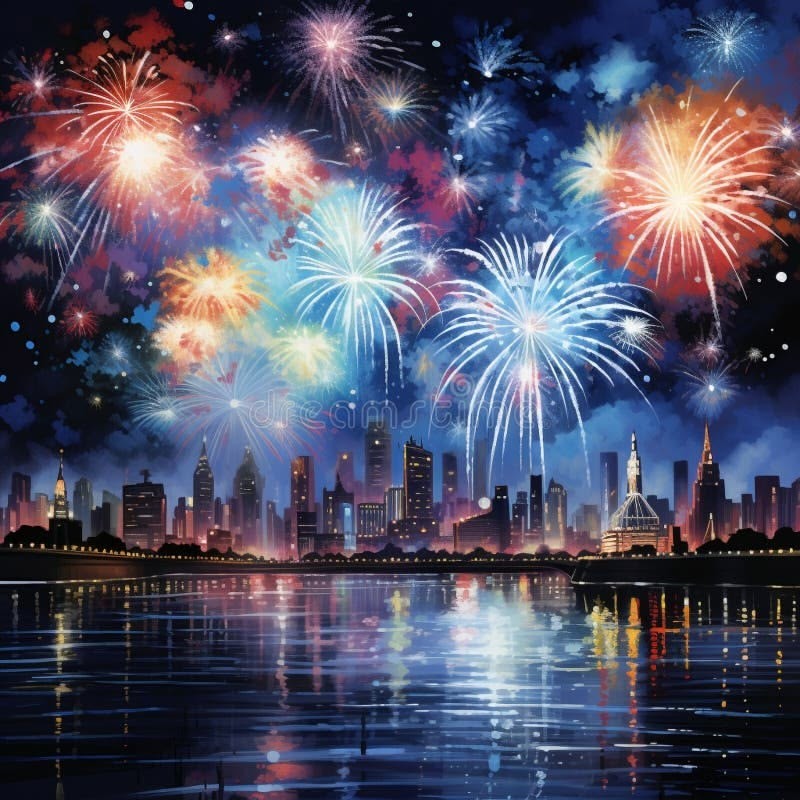
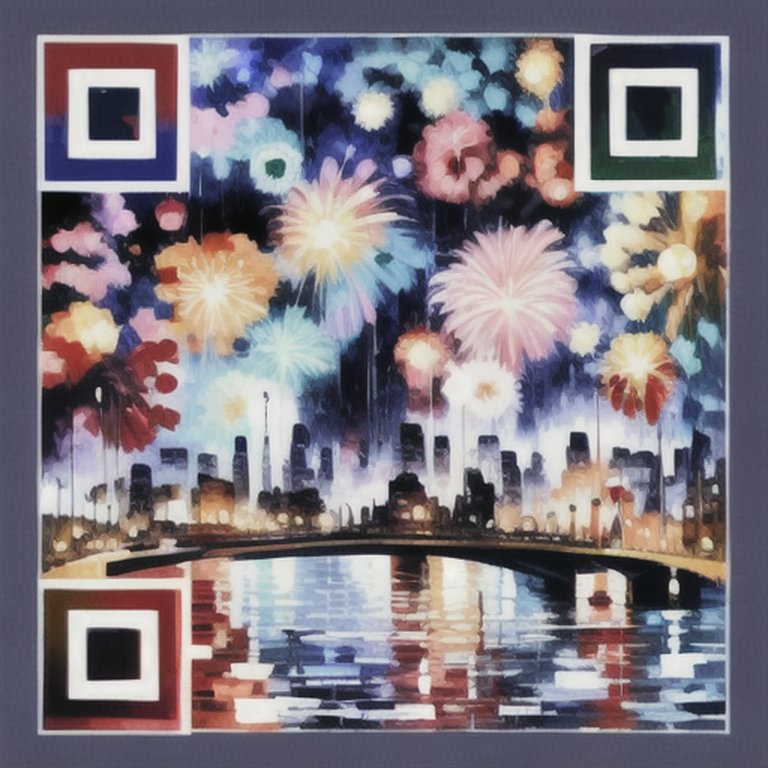
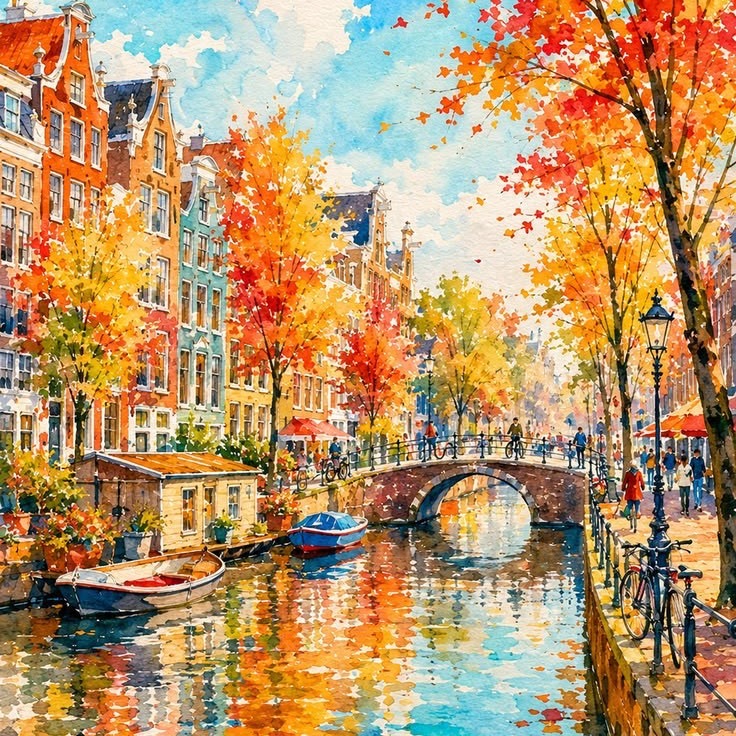
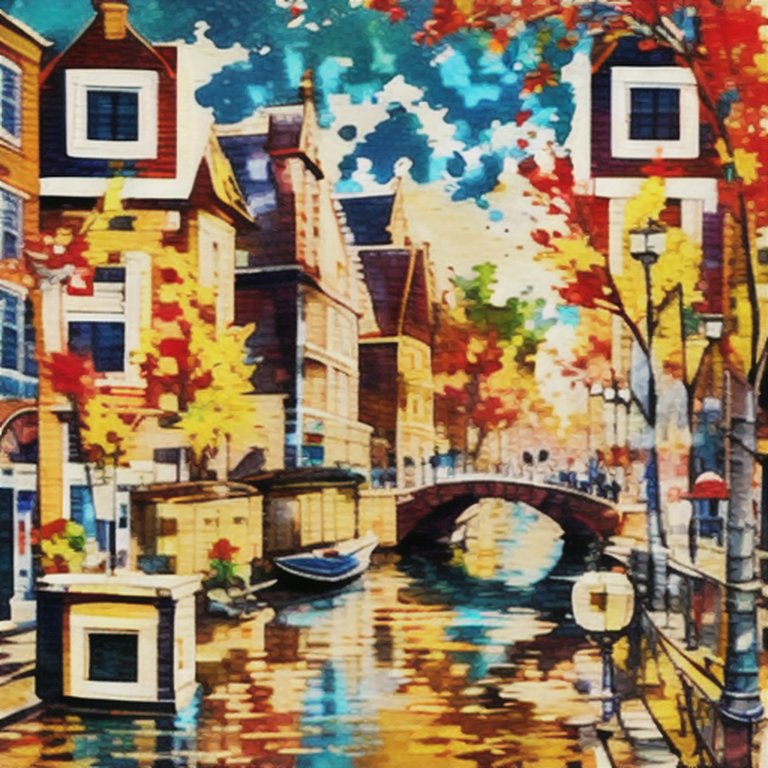
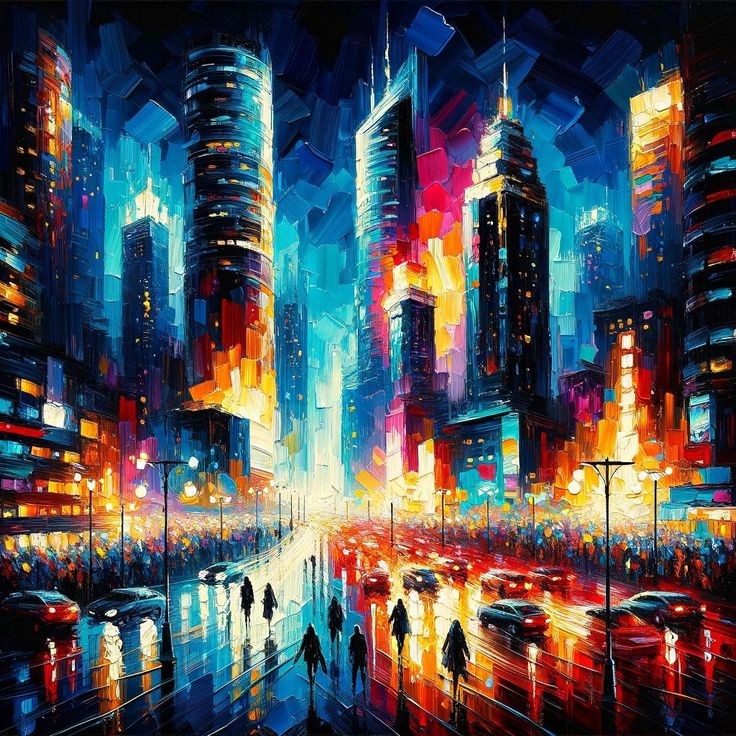
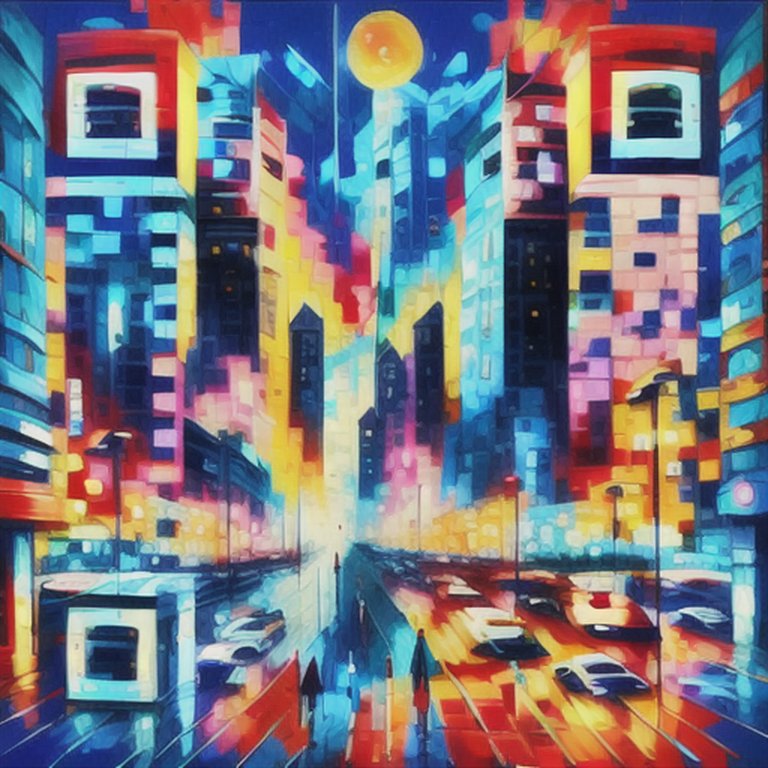
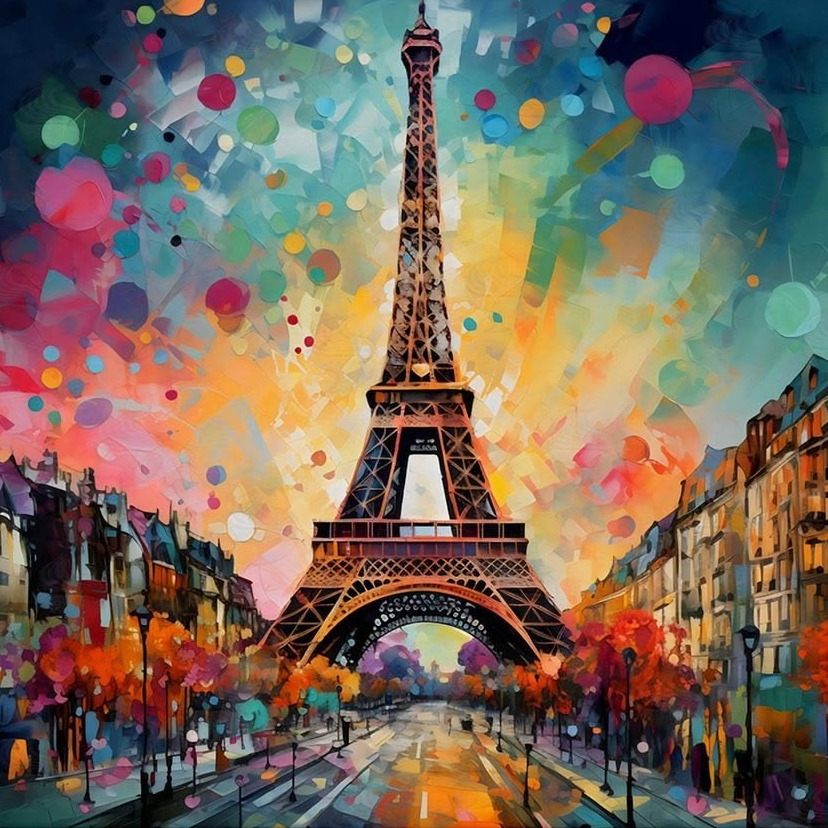
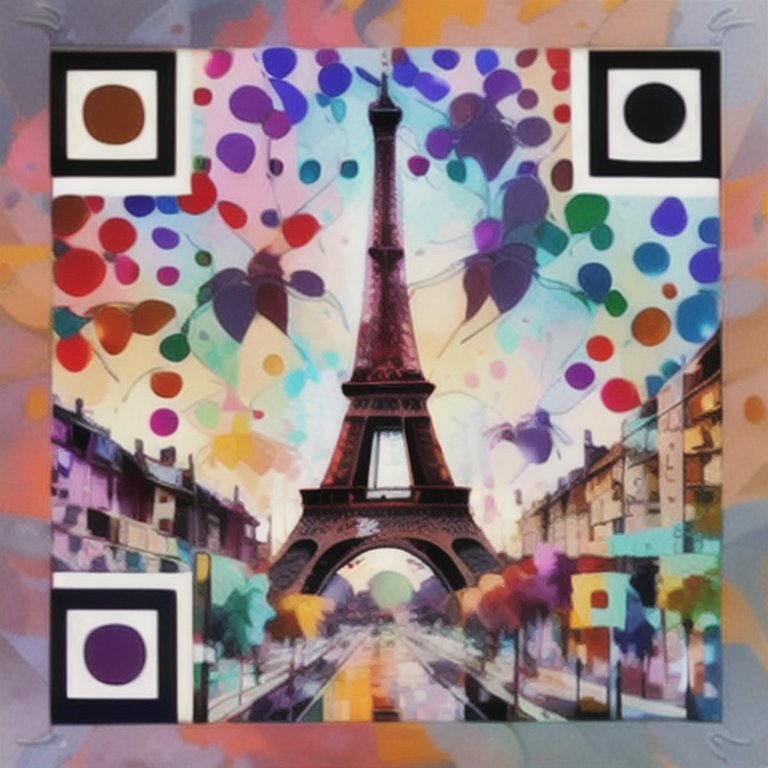
The sketch demo above illustrates the creative process using 72QR. You can bypass sketching entirely and simply upload images to generate QR codes with a similar vibe. Below are some examples of scannable art transformed from existing artworks. The left is the original artwork, and the right is the generated QR Art.
Conclusion
QR codes don’t have to be a boring barcode. They can be a canvas that reflects your unique visual identity while serving as a bridge between the physical and digital worlds. In other words, QR codes can be scannable artworks.
Whether you want to strictly follow an original style or guide the AI toward entirely new scenes, 72QR is flexible enough to adapt to your creative direction through a simple conversation with the agent.
Whether you are designing a T-shirt, branding an event, or just want scannable artwork, give 72QR a try.
I would love to hear what you create. Reach out and share your results!